

Virtual events are now a staple for businesses and venues, but their success hinges on effective user training. Without proper training, even the most advanced platforms can fail during live events. This article highlights five platforms that excel in combining technical features with strong training support:
- CloudShare: Focuses on hands-on learning with interactive labs and 24/7 support.
- LearnUpon: Offers step-by-step guides, templates, and tools for managing virtual events.
- TalentLMS: Combines gamified learning paths with seamless event tools.
- iSpring Learn: Provides role-based learning paths and analytics for tracking engagement.
- BlueJeans Events: Once a reliable choice for large events, but now discontinued.
Quick Comparison:
| Platform | Training Features | Support Options | Pricing | Standout Features |
|---|---|---|---|---|
| CloudShare | Interactive labs, tutorials | 24/7 support, knowledge base | Custom pricing | Sandbox environments for learning |
| LearnUpon | Webinars, templates | Email, chat support | Starts at $5/learner/mo | Built-in analytics, easy onboarding |
| TalentLMS | Gamified paths, tutorials | Forums, email, phone (premium) | Free for 5 users; $59/mo | Gamification, customization options |
| iSpring Learn | Role-based paths, analytics | Email, help center | Starts at $2.99/user/mo | SCORM compliance, advanced tools |
| BlueJeans Events | Discontinued | N/A | N/A | Previously supported large events |
Choosing the right platform ensures smooth virtual events, better-trained teams, and happier clients. Each platform offers unique features and pricing to suit different needs, from small teams to large-scale corporate events.
Event Planner Tips: How to Introduce Attendees to a New Virtual Event Platform
1. CloudShare
CloudShare is designed to elevate technical training and virtual events by offering hands-on, interactive labs. It creates an engaging environment where participants can explore software and applications during sessions. Let’s break down how its training tools, scalability, onboarding process, and interactive features meet the demands of modern events.
Training Resources and Support Options
CloudShare equips users with a variety of training resources, such as live sessions and self-paced modules, ensuring they can navigate the platform with ease. To keep events running smoothly, it offers 24/7 support and an online knowledge base for troubleshooting. This comprehensive support system is invaluable for corporate venues aiming for seamless event execution.
Platform Scalability and Integrations
CloudShare is built to handle events of any size, adapting effortlessly to various demands. It also integrates with widely-used LMS and CRM platforms, simplifying event management and enabling organizers to monitor participant engagement effectively.
Ease of Onboarding and User Adoption
With a focus on simplicity, CloudShare offers browser-based access, eliminating the need for downloads. The platform includes tools to track engagement and identify when users may need additional support. Its onboarding process is straightforward, introducing users to key features quickly and efficiently.
Interactive Features for Event Execution
CloudShare’s virtual labs provide a safe space for attendees to interact directly with software, enhancing hands-on learning. Additional features like screen sharing, breakout rooms, chat, and voice communication further enhance collaboration, making training sessions and demonstrations more engaging and productive.
2. LearnUpon
LearnUpon excels with its Live Learning feature, turning virtual events into dynamic and interactive experiences. By blending powerful training tools with dedicated support, it’s a go-to platform for organizations looking to manage virtual events efficiently while ensuring users have the guidance they need.
Training Resources and Support Options
LearnUpon offers a rich Knowledge Base tailored to virtual event management through its Live Learning capabilities. This includes detailed guides on creating events, managing sessions, and scheduling. For instant help, the platform features an in-app support system with quick access to helpful articles, ensuring events run smoothly without interruptions.
To simplify transitions, LearnUpon also provides pre-built templates and an ILT migration guide, making it easier to move from older systems to this platform.
Platform Scalability and Integrations
Designed to meet the demands of modern organizations, LearnUpon adapts easily to events of all sizes. Whether hosting a small training session or a large-scale virtual conference, the platform maintains consistent performance. It integrates seamlessly with existing learning management systems and corporate tools, ensuring virtual events enhance, rather than disrupt, existing workflows.
Ease of Onboarding and User Adoption
Getting started with LearnUpon is straightforward. Its extensive library of step-by-step articles ensures a smooth onboarding process. For organizations needing extra assistance, the platform’s dedicated support team offers personalized guidance, helping users quickly master its features and maximize their investment.
Interactive Features for Event Execution
LearnUpon’s Live Learning is packed with tools to streamline event execution. Organizers can create events with multiple sessions, manage connected series, and handle waitlists and overbookings effortlessly. A built-in notification system keeps participants updated with automated reminders, while attendance tracking tools provide insights into engagement. These features work together to deliver a virtual event experience that feels just as engaging as in-person gatherings.
3. TalentLMS
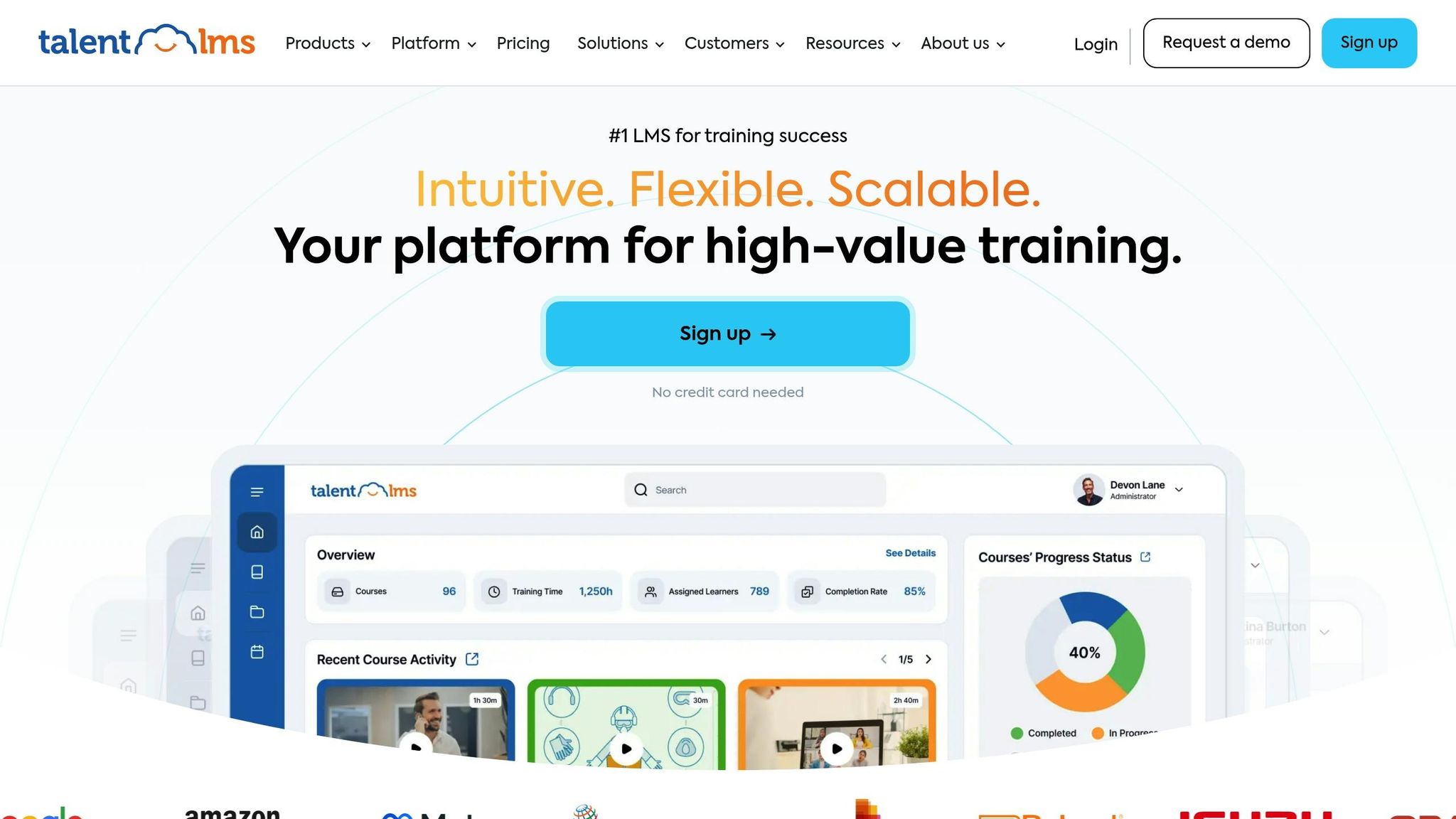
TalentLMS is an online learning management system that combines training tools with virtual event capabilities, catering to the growing need for seamless online event execution.
Training Resources and Support
TalentLMS equips users with a wealth of resources to ensure successful event management. Its Help Center, along with detailed tutorials and video guides, walks users through setting up live sessions, managing participants, and configuring events. For real-time assistance, users can rely on live chat during business hours or reach out via email for additional support.
Scalability and Integrations
Built on cloud technology, TalentLMS is designed to meet the needs of organizations of all sizes. It integrates smoothly with popular video conferencing and communication tools, making it easy to incorporate live streaming and align with existing workflows.
Easy Onboarding Process
New users can hit the ground running with TalentLMS’s streamlined setup. Pre-built templates and quick-start guides tailored to specific roles help administrators launch events effortlessly.
Engaging Event Features
TalentLMS keeps participants involved with interactive features like integrated quizzes and real-time chat. Additionally, built-in attendance tracking and analytics allow administrators to monitor participation and gather insights for effective post-event follow-ups.
sbb-itb-1e56dfa
4. iSpring Learn
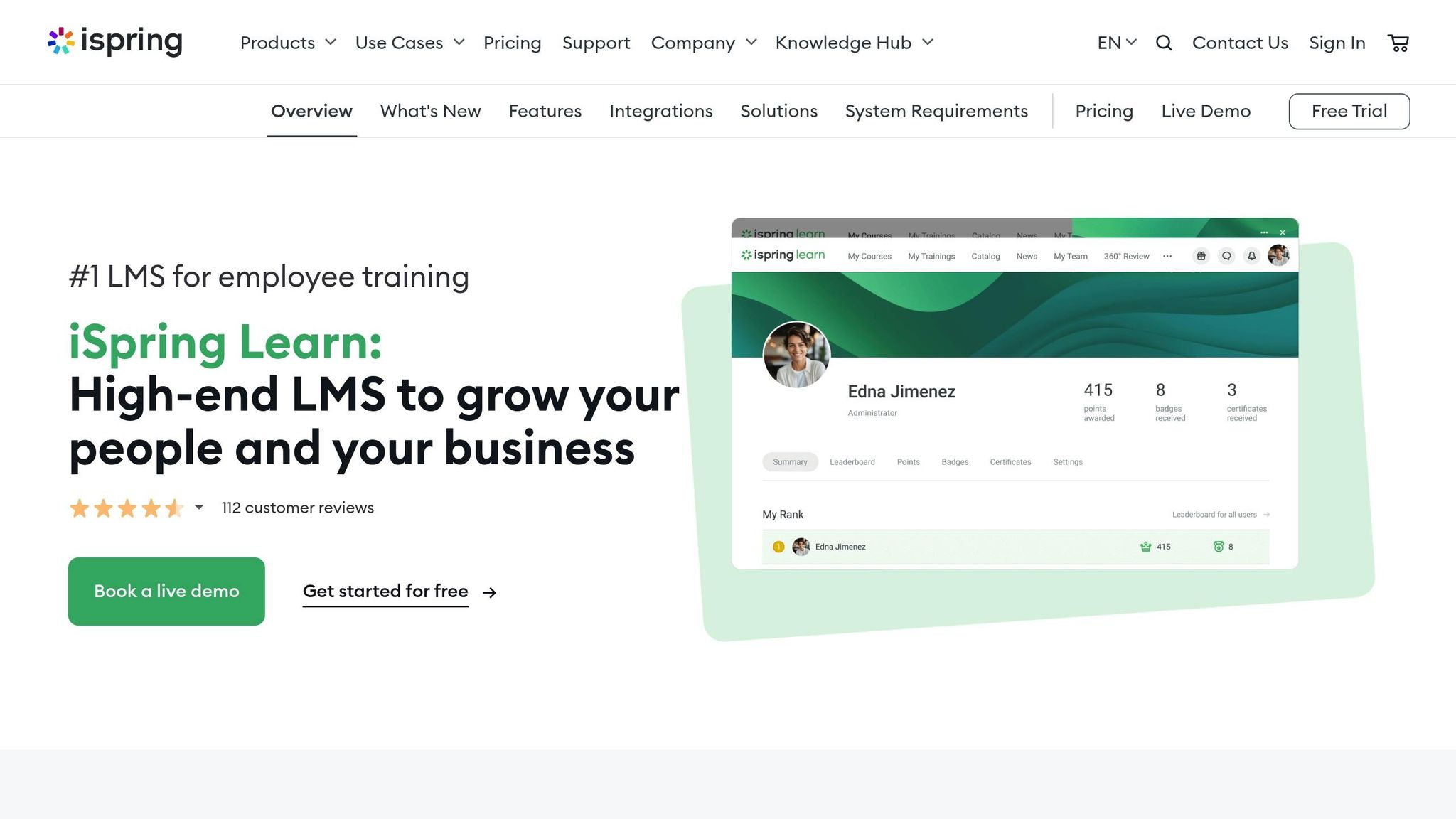
iSpring Learn offers a dynamic way to deliver online training, combining practical tools with a user-friendly interface. Although primarily a Learning Management System (LMS), it also provides features tailored for hosting virtual training events, ensuring a smooth and engaging experience for participants and organizers alike.
Training Resources and Support Options
iSpring Learn equips users with a rich library of resources, including step-by-step video tutorials, detailed documentation, and interactive guides. These tools make it easier to handle tasks like event setup, participant management, and content delivery. For additional assistance, users can reach out via email or a dedicated help desk.
One standout feature is its role-based learning paths. Organizers gain access to specialized modules focused on event planning and execution, while presenters receive targeted guidance designed to enhance their delivery skills.
Platform Scalability and Integrations
Whether you're running a small team workshop or a large corporate event, iSpring Learn adapts to meet your needs. Its scalability ensures reliable performance, even during high-demand periods. The platform also integrates seamlessly with popular business tools, allowing organizations to enhance their training efforts without disrupting existing workflows.
Thanks to its cloud-based design, iSpring Learn maintains consistent performance and stability, no matter the size of the event.
Ease of Onboarding and User Adoption
Getting started with iSpring Learn is straightforward. A guided setup wizard and pre-configured templates for webinars, training sessions, and corporate presentations allow users to launch events quickly. The platform’s intuitive design, complete with clear visual prompts, makes it easy for new users to navigate and adapt.
Interactive Features for Event Execution
iSpring Learn prioritizes engagement with features like interactive presentations and built-in polling tools. Multimedia content, such as videos and documents, can be seamlessly integrated to create rich, engaging experiences for participants.
To top it off, the platform provides detailed analytics, tracking metrics like participant engagement, completion rates, and interaction patterns. These insights empower event organizers to fine-tune their approach and improve future events. With its focus on interactivity and data-driven feedback, iSpring Learn sets the stage for a more effective training experience.
5. BlueJeans Events
BlueJeans Events was designed to handle large-scale virtual events with enterprise-level dependability. However, Verizon has since discontinued the platform, and free trials are no longer an option.
Training Resources and Support Options
The platform previously provided a wide range of video tutorials and FAQ articles that explained event roles, scheduling, and polling features. However, one-on-one training sessions were not offered as of 2020.
Platform Scalability
BlueJeans Events was built to handle large virtual gatherings, making it a go-to choice for companies hosting corporate events, webinars, or training sessions with significant attendance.
Interactive Features for Event Execution
The platform featured tools like live polling, which helped organizers engage their audience and collect instant feedback. Additionally, it supported multiple participant roles, allowing event hosts to control attendee permissions with ease. That said, with the platform now discontinued, long-term support and updates are no longer available. This underscores the need to consider platforms that offer ongoing support when planning for future virtual events.
Platform Comparison Table
Here’s a quick breakdown of the key features across different platforms. The table below outlines their training tools, support systems, pricing structures, and standout features.
| Platform | Training Features | Support Options | Pricing Model | Key Advantages |
|---|---|---|---|---|
| CloudShare | Interactive demos, hands-on labs, guided tutorials | 24/7 technical support, dedicated account managers | Custom enterprise pricing | Sandbox environments for real-world simulations |
| LearnUpon | Video tutorials, certification programs, live webinars | Email and chat support, robust knowledge base | Starts at $5 per learner/month | Intuitive interface with built-in analytics |
| TalentLMS | Step-by-step guides, gamified learning paths, mobile training | Community forums, email support, phone support (premium plans) | Free for up to 5 users; paid plans from $59/month | Gamification elements and customization options |
| iSpring Learn | Interactive courses, role-based training modules, progress tracking | Email support, online help center, premium phone support | Starting at $2.99 per user/month | Advanced authoring tools and SCORM compliance |
TalentLMS stands out by offering a free plan for small teams, making it a smart choice for smaller-scale events or organizations on a budget. Pricing flexibility across platforms plays a big role in decision-making, especially when considering the scale of your training needs.
Support is another critical factor, especially during live events. Each platform approaches training differently: CloudShare shines with its hands-on practice environments, TalentLMS engages users with gamified learning, and iSpring Learn focuses on compliance and progress tracking - ideal for organizations with strict documentation requirements.
Conclusion
Choosing a virtual event platform with solid training resources equips your team to execute hybrid events with confidence and precision. The platforms we've discussed show how effective training can simplify the complexities of virtual event management, transforming it into a more efficient and seamless process. This approach not only enhances event execution but also connects the traditional aspects of hospitality with the evolving world of digital innovation.
For venues like Aloft Trophy Club Westlake, these platforms serve as the perfect link between their modern hospitality offerings and cutting-edge event technology. With contemporary meeting spaces and the advanced Tactic Meeting Room, the hotel can expand its reach through virtual capabilities, breaking past physical limitations. When staff are well-trained, venues can effortlessly cater to both corporate meetings for business travelers and special celebrations for leisure groups, enriching their offerings with streamlined virtual solutions.
Trusted platforms also provide comprehensive, on-demand training materials that help venues create engaging, interactive experiences for virtual attendees while ensuring a smooth connection between in-person and online participants. Teams that actively engage with these training tools develop expertise across all platform features, leading to smoother operations, happier clients, and more bookings - whether for business events or personal gatherings.
FAQs
What should I look for in a virtual event platform that offers strong user training and support?
When choosing a virtual event platform, it’s crucial to find one that’s simple to use and easy to set up. A platform with a straightforward interface can make the learning process smoother for everyone involved. Look for options that offer a variety of training resources, like tutorials, webinars, and detailed guides, so users can get up to speed quickly and confidently.
Equally important is having access to dependable customer support. Whether it’s through live chat, email, or phone, responsive assistance can be a lifesaver if any issues pop up during your event. Another key feature to consider is integration with other tools and systems, which can simplify event management and enhance the overall experience. Together, these elements can help your virtual event run without a hitch, keeping participants engaged while minimizing technical hiccups.
What does the shutdown of BlueJeans Events mean for users, and what are some alternative platforms?
The discontinuation of BlueJeans Events by Verizon means users will now need to find alternative platforms for hosting virtual events. While this might feel like a hassle, there are plenty of options available that can help maintain a smooth experience.
Some top alternatives to consider are Zoom Events, BigMarker, GoTo Webinar, and Airmeet. These platforms are known for their intuitive features and reliable support, making them excellent choices for organizing virtual events. They also provide helpful tools like training resources and dedicated customer support to ease the transition for event planners.
How do interactive features improve the virtual event experience for organizers and attendees?
Interactive elements such as live polls, Q&A sessions, chat features, gamification, and breakout rooms can transform virtual events into engaging and dynamic experiences. These tools not only keep participants actively involved but also help build a stronger sense of connection and community among attendees.
For event organizers, these features are a goldmine for gathering real-time feedback and insights. This data makes it easier to fine-tune content on the spot and improve the planning of future events. By promoting active participation, virtual events leave a lasting impression and create a meaningful experience for everyone.